Choosing a payments provider used to be a decision companies made once and then left alone. But among large merchants, that habit is fading.
For its Global Payments Report 2026, published in September, Boston Consulting Group surveyed almost 500 merchants with annual revenue between $50 million and $10 billion. About half of them benchmark their acquirers, the providers that process their card payments, every year. Also, over the past five years, 44% have switched providers or added a new one.
Their reasons are telling. Price comes first, but declining authorisation rates rank second, followed by reliability and fraud prevention. Satisfaction varies widely. Among acquirers named as the main provider by at least ten respondents, the share of very satisfied merchants ranges from 17% to 71%.
Merchants now review the providers that bring money in. Far fewer businesses review the business account and company cards behind their own spending with the same care. Those choices are usually made once, when the company is small, and then renewed by default for years.
A five-point audit for your business payments setup
The criteria BCG’s merchants use translate well to the other side of the transaction. Here is how to apply them.
1. Total cost, not the headline fee
Price is the first thing merchants check, and it deserves the same attention here. Start with monthly account fees and charges per user or per card. Then add the conversion margins on foreign-currency payments, which rarely appear as a separate line, and total it all over a full year. The headline price on a plan often looks very different from what the business pays once its team and supplier base have grown.
2. Payments that fail when they shouldn’t
For merchants, the measure is the authorisation rate. For a business, it’s how often a company card is declined when it should go through, such as a software renewal that bounces, marketing campaign that stalls or a supplier payment that needs a second attempt. Ask how often this happens, and whether your provider shows you why. A decline you can’t explain is very hard to prevent.
3. Reliability and support
When a card stops working in the middle of a trip or before a campaign launch, the question is how quickly someone can fix it. Look at how support is reached, who answers, and whether they can resolve the issue or only log it.
4. Control and fraud protection
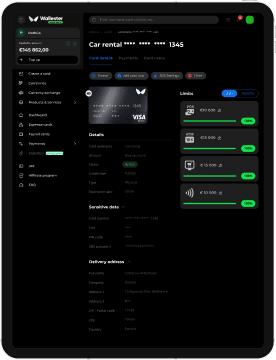
Merchants rank fraud prevention among their top reasons for switching, and businesses face the same risk from the other side. A shared card with one high limit is hard to protect. Check whether you can give each person or supplier their own card, set a limit on each one, and restrict where it can be used.
5. Visibility
Finally, look at when you find out what was spent. If transactions arrive in a weekly export and receipts are collected at month end, the setup is reporting on decisions made weeks ago. Real-time transactions, with receipts attached and data flowing into the accounting system, change that.
When switching makes sense
A weak score on one point doesn’t mean it’s time to move. Often, a single problem can often be fixed with the provider you already have. But a pattern is different. If the setup falls short on two or more points and the provider can’t address them, it’s worth pricing up the alternative.
Switching is also less disruptive than it might seem. You don’t have to move everything at once. You can start with new cards for a few subscriptions or suppliers, run them alongside the old setup, and move the rest once the new one has proved itself.
How Wallester Business measures up
Wallester Business runs on Wallester’s own card-issuing infrastructure, so the controls sit where the spending happens. When a company opens an account, it can:
- Open a business account with its own IBAN.
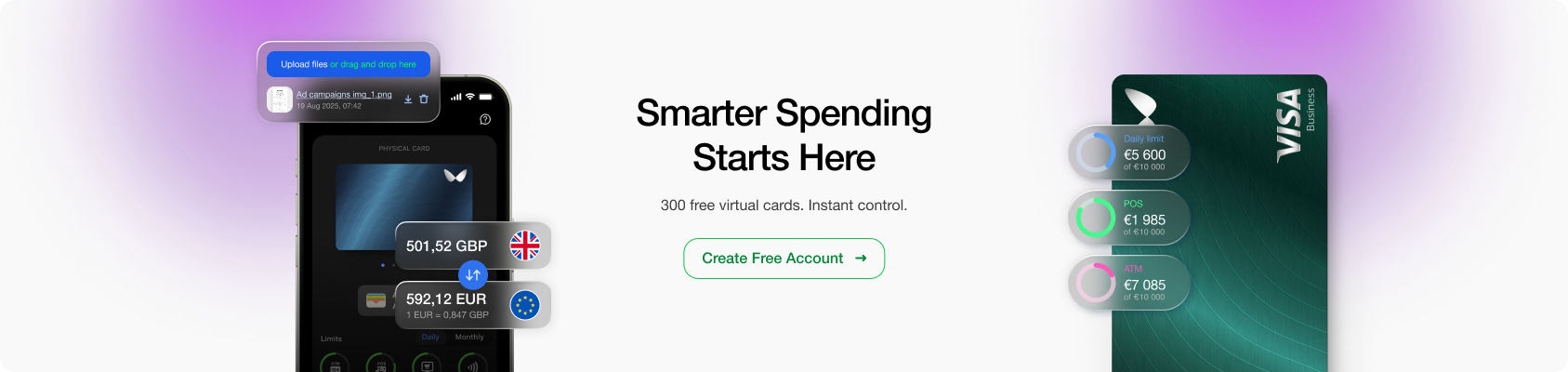
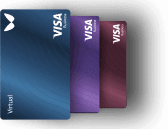
- Issue virtual and physical cards, with up to 300 virtual cards on the free plan.
- Set individual limits and controls on every card before it’s used.
- Hold money in multi-currency accounts, with currency exchange inside the platform.
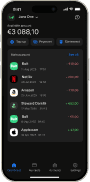
- See transactions in real time, with receipts attached through the mobile app.
- Sync spending with Xero or QuickBooks.
- Give each team member the right role and permissions.
That puts the account, the cards and the spending data in one place, which makes the next audit a lot quicker. Opening an account is free, and a good first test is a single card for one subscription. Within a month, you’ll know how it compares.